Review: Panasonic 42PX80
Introduction
This review has been translated from Danish and contains the introduction, measurements, pictures and a conclusion. Some sections have been excluded from the translation, however. Future reviews will be fully translated.
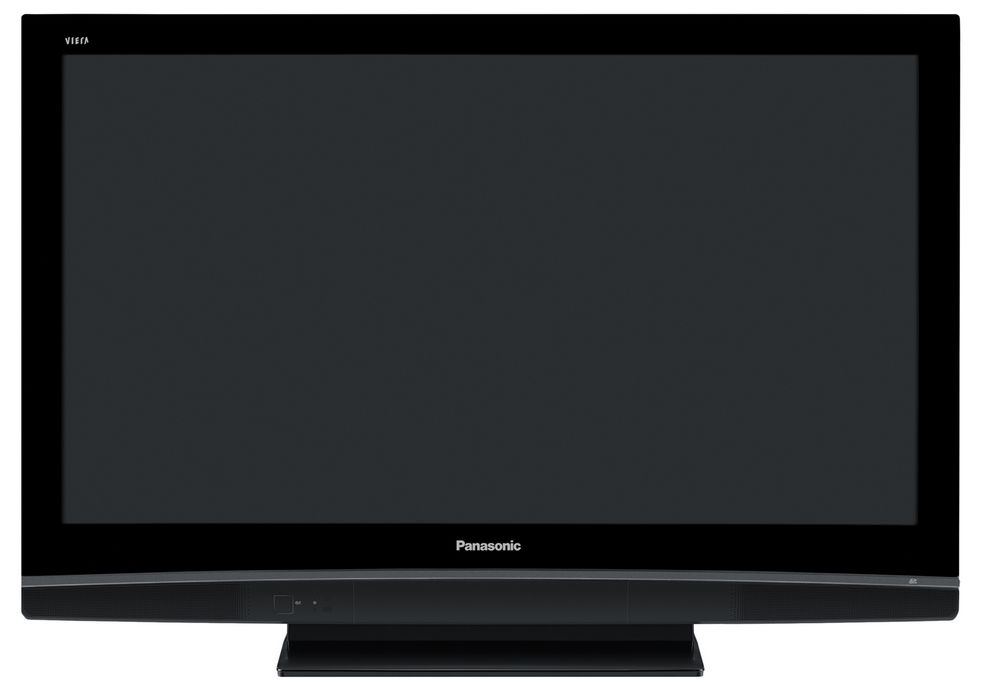
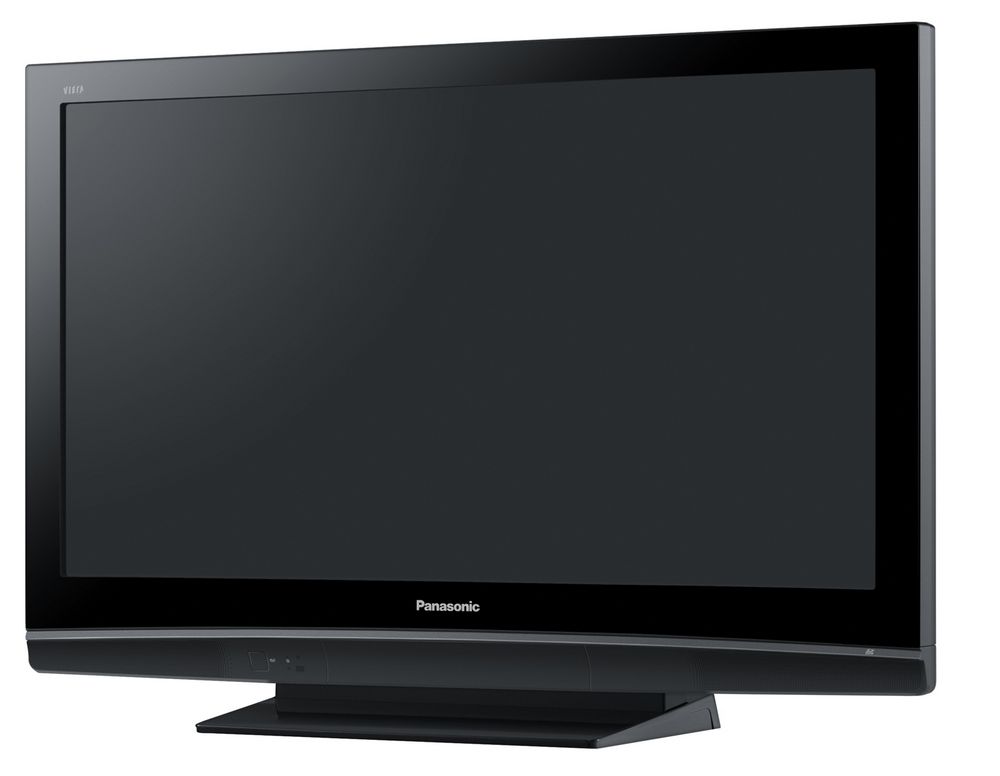
Panasonic PX80 is the successor to the much acclaimed PX70 series. The predecessor has been called the value-for-money TV and is considered best-buy in its price range. Many even considered it better than far more expensive models, so PX80 definitely has something to live up to.
We have the 42 inch on the bench for testing and reviewing. It’s called 42PX80 and supports features such as 1080p24.
Size: 42" widescreen (plasma) Resolution: 1024x768 Response time: - Contrast ratio: 15000:1 Brightness: - Colours: 16,7 millions Signal processering: 8 bit for each colour Viewing angles (H/V): 178°/178° Dot pitch: - Panel (Type): Plasma (Matsushita) Power consumption: 255W Wall mounting: Swivel stand: Dimensions (HxWxD): 72.7cm x 102,0cm x 32,7cm (with stand) Weight 28 kg Built-in speakers: Inputs: 480p/i, 576p/i, 720p,1080i & 1080p (24, 50 & 60 Hz) 1:1 pixel mapping: Inputs • VGA • DVI (can be converted through HDMI)
• Audio (type) (Audio in/out)
• SCART • S-video • Composite • Component • HDMI • Andet Outputs • Audio (type) • SCART • S/PDIF • Other DVB-T, SD reader Guarantee: - Pixel guarantee: - Etc:
Price and retailer:Our first impressions
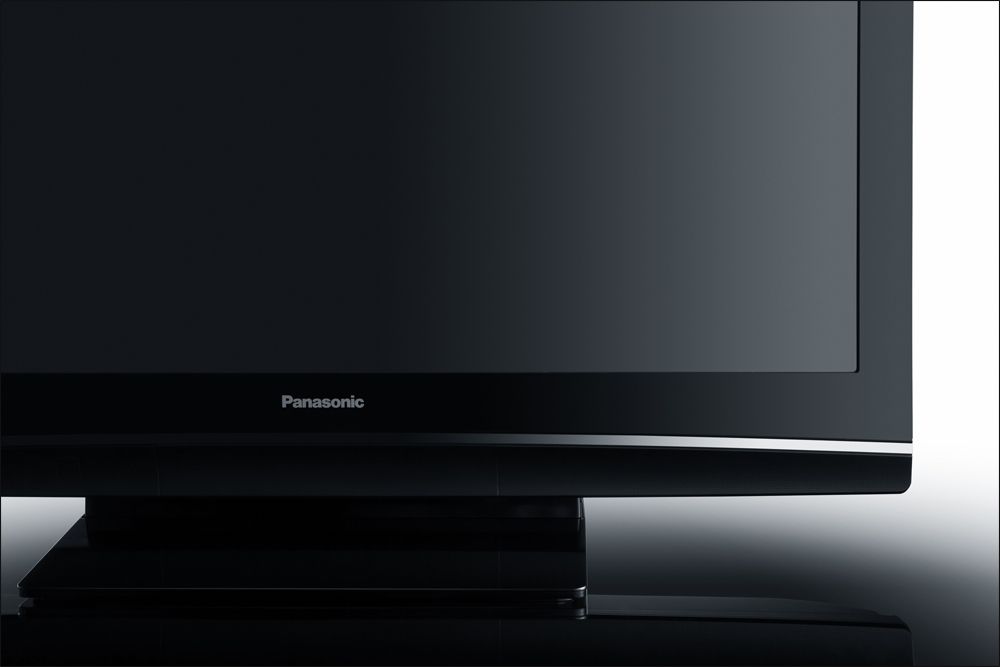
The glossy look is the recipe to success these days. Most consumers find it appealing and I agree.
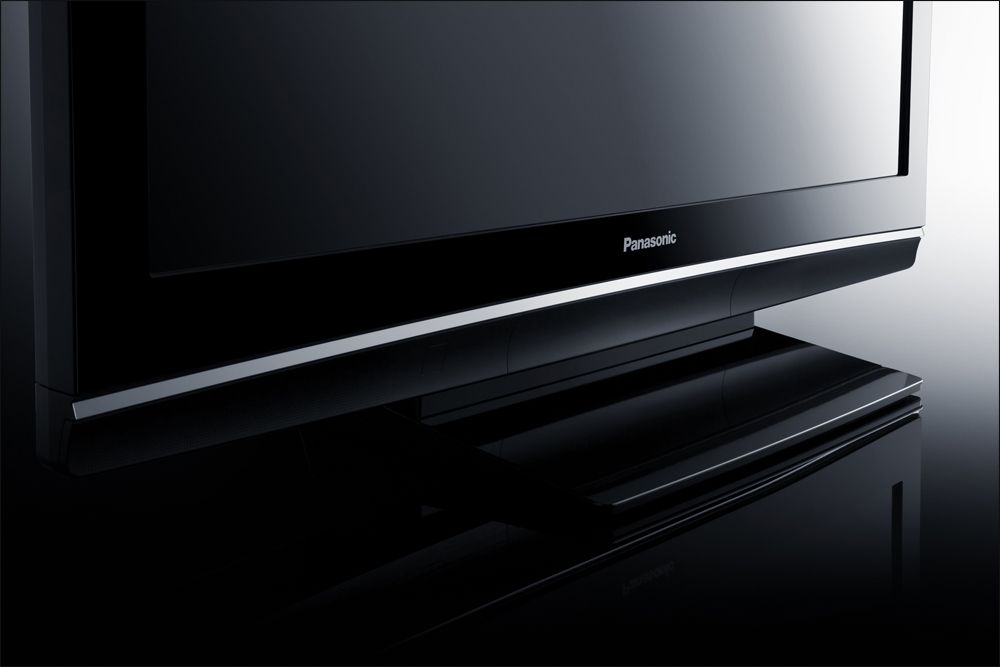
The glossy comes either from plastics or the piano black look that Pioneer uses. Panasonic have chosen the plastics and reused some design element from the PX70 series.
At the bottom of the frame is a curved line that separates the glossy look of the frame and the matt look of the bottom. At the bottom you’ll also see a few inputs and the speakers.
You can connect a camera with your cables or use the SD card reader.
The rest of the inputs are located on the back of the TV. Nothing important is missing. It has HDMI, D-SUB (VGA), scart, component etc.
It’s a shame that all inputs points toward the wall behind the TV, however. If you want to mount it on the wall you need to arrange the inputs before mounting the TV – and if you need to add another later on you probably need to get the TV back down on the foot.Test tools
Our TV signal is DVB-S (satellite) and DVB-T (terrestrial). We also have an analogues TV connection.
Testing is done with the DVE (digital video essentials) and Peter Finzel test DVD. Testing is also done with DVD, TV, Blu-Ray and Mediacenter/PC.
We also use our own monitorTest . The software supports some of the traditional test patterns used to evaluate displays as well as some new and unique test patterns developed by the people here on Flatpanels.
Sony PlayStation 3 is our Blu-Ray player.Functionality
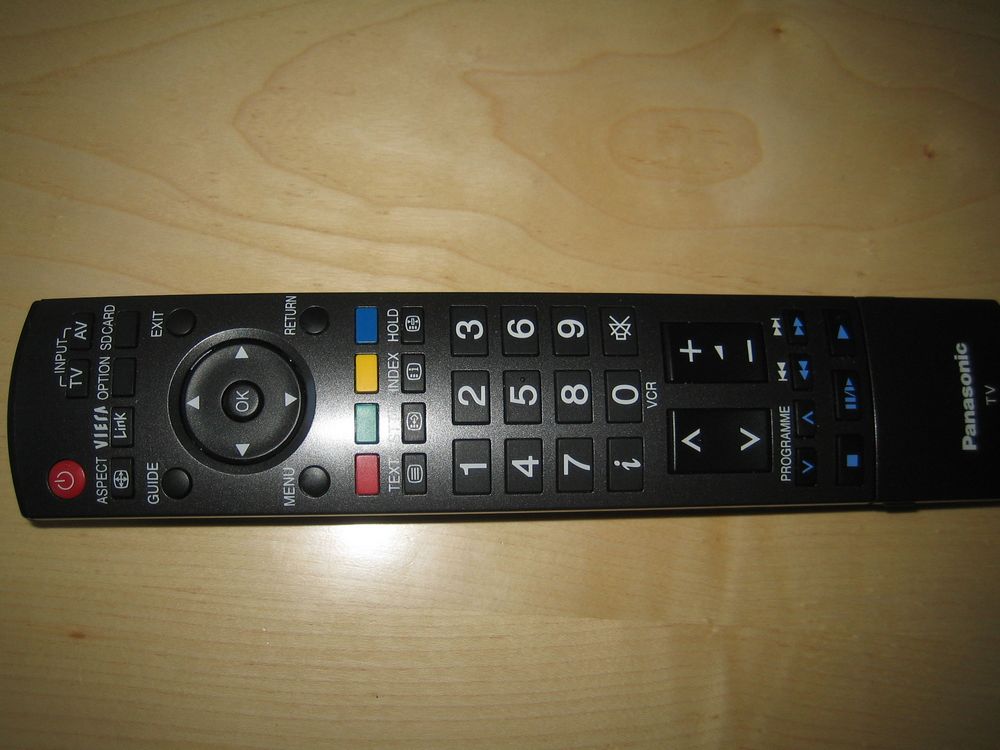
The remote
In my world a remote control is heavy and suits your hand well. Unfortunately a lot of manufacturers don’t put much emphasis on this little gizmo.
The remote controller is pretty long and has nice, huge buttons. The layout is fine. But… It doesn’t meet my two demands. It’s not heavy and it just doesn’t feels right in your hand.
The layout is fine, though. The volume buttons and the channel buttons are located in the middle and the large buttons are great.
Digital tuner
The digital DVB-T tuner for terrestrial TV works well and it was easy to arrange my channels. Nothing to complain about here.
Menu
The menu is unchanged. It’s easy and simple
It allows you to set profiles, contrast, colour, brightness, sharpness, colour temperature, colour management and P-NR.
The user menu has no RGB (red, green, blue) controls, however.Picture quality
This section has been abridged when translated. The graphs, pictures and tables have been kept in order to show the results from our tests. After this section you can find the conclusion which has been fully translated and extended. Future reviews will be fully translated.
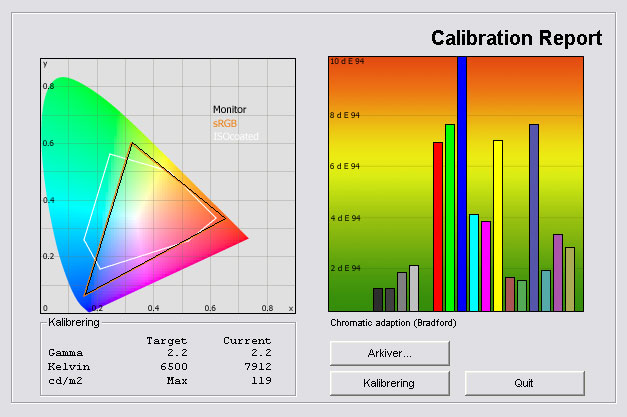
Out-of-box picture parameters:
The graph says:
The number on the left is the delta value. Delta is a difference between two factors, here it’s the difference between the measured colour on the panel and the actual colour that we want; the target colour.A delta value lower than 2 results in a visible deviation from the actual colour. A delta value over 4 or 5 results in wrong colours. A delta value between 1 and 2 results in precise but not perfect colours. A delta value lower than one results in almost perfect colours. The target is 0. Everything between 0 and 1 is barely visible to the human eye.
I calibrated the display with my hardware and found that these settings improve the picture quality.
After calibration Profile: Cinema Contrast 1 left
Brightness: No change or 1 left Colour: No change Sharpness: 0 Colour temperature Warm Colour management Off P-NR Off
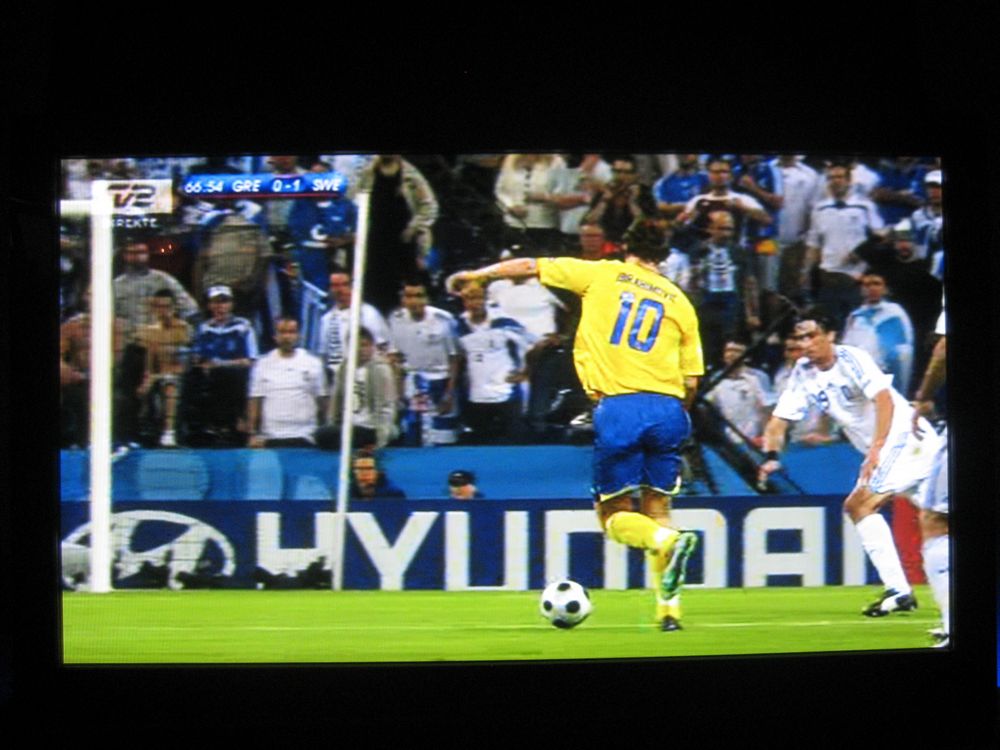
SD signal
SD signal
SD signal
SD signal
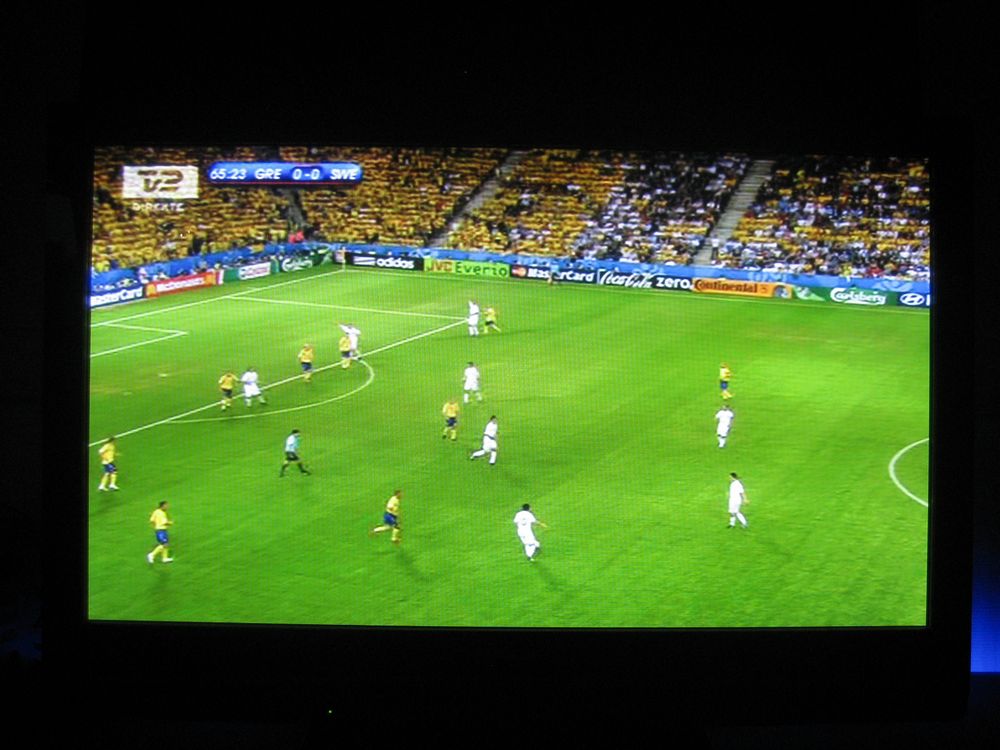
HD signal
HD signal
We have measured contrast; the ratio between brightness and the black levels: NB: This is the static contrast and no dynamic contrast has been measured.


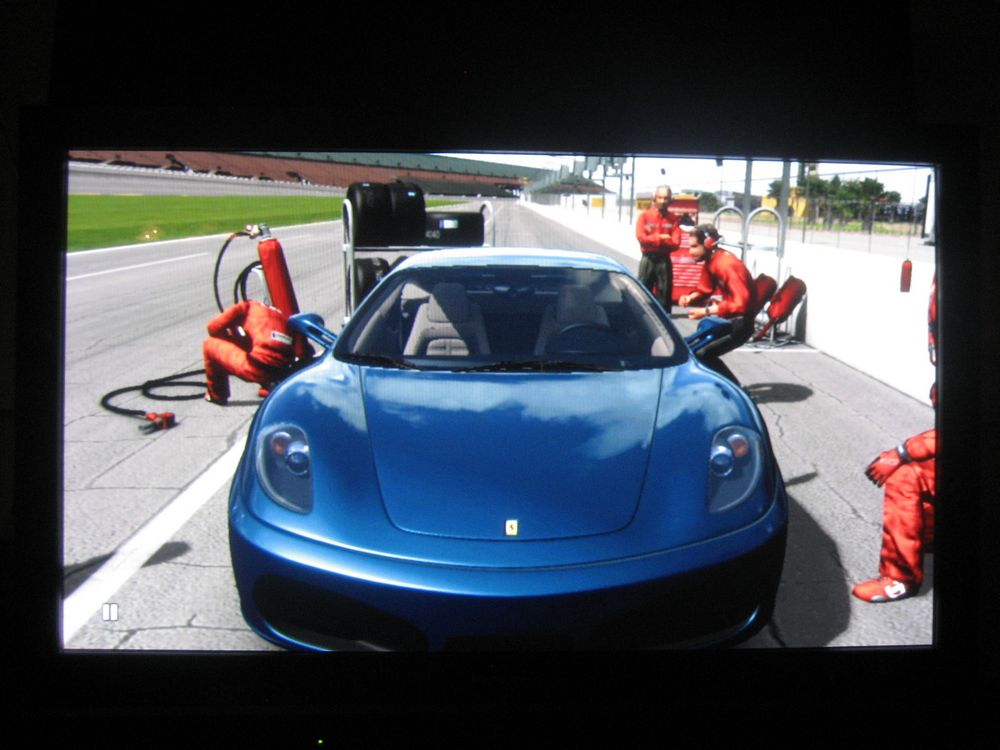
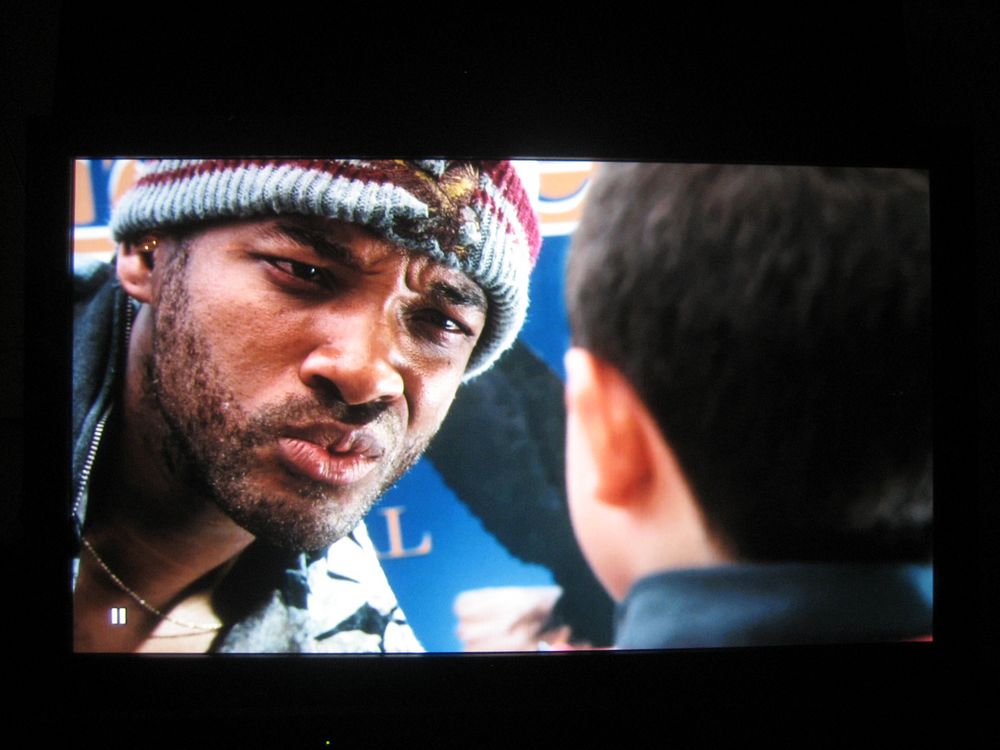
| Out-of-Box | After calibration | |
| Black level | 0,14 cd/m2 | 0,13 cd/m2 |
| Brightness | 173 cd/m2 | 119 cd/m2 |
| Contrast ratio | 1235:1 | 915:1 |
Contrast ratio: +/- 50
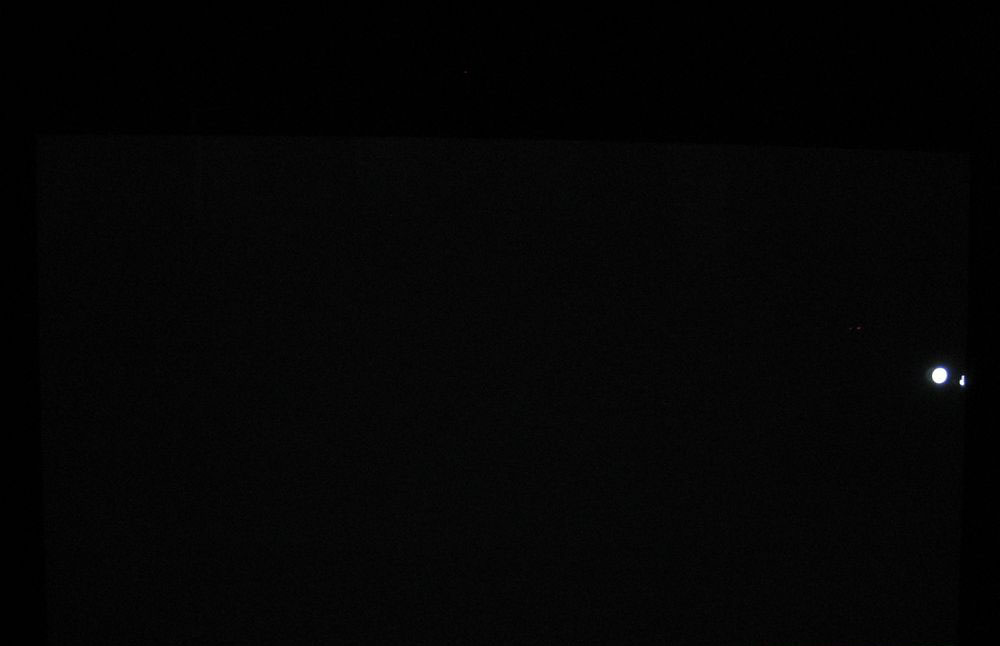
We have also examined the homogeneity of the panel. You can see from the picture below (click to enlarge) that the homogeneity is perfect and no backlight bleeding is visible.
PC and media center
1:1 pixel mapping supported through HDMI and D-SUB (VGA).
Conclusion:
We had high expectations to PX80 here at Flatpanels. Other reviewers are excited and I can understand why. PX80 didn’t let us down.
It’s very likely the best TV in the mid-end segment and in my opinion it’s even better than some much more expensive TVs. The colour reproduction is nice and the out-of-box colours are some of the best I’ve seen. I miss the RGB (red, green, blue) controls but because of the good out-of-box result it’s not critical.
PX80 has deep blacks and nice shadow details.
In GTA IV I noticed a light green trail, the one referred to as phosphor trail on most plasma TVs. I never saw it on DVD and HD clips, however, and most users probably won’t detect it.
The TV has 3 HDMI inputs which is nice. The fact that all inputs are pointing towards the wall behind the TV is a mistake though. It’s inconvenient because you have to insert your cables in the TV before mounting it on the wall.
That being said I must say that the PX80 is a really good TV. It delivers picture quality that few other TVs can match and it is definitely an improvement over PX70. It’s not a giant step and it’s not close to Pioneer yet but it’s without doubt better than a lot of similar priced TVs out there.
Also, one of the important new features is 1080p24 support.
I therefore award Panasonic 42PX80 with our Top-recommendation Award for its excellent picture quality. Thumbs up.

Click on the Award to learn more.
| Pros | Cons | Suited for |
| Good ”out-of-box” picture | Light green phosphor trail in GTA IV | Living room |
| Deep black and high contrast | No RGB (red, green, blue) setting options | Home Cinema |
| God Picture quality and 1080p24 support | ||
| 3 HDMI inputs |
Price and retailer:

A 37” version is available, too.
---
For questions and comments please visits this thread in our forums: http://www.flatpanelshd.com/flatforums/viewtopic.php?f=5&t=13