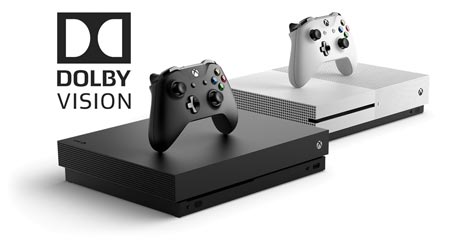
With system update version 1810, Microsoft has started rolling out Dolby Vision support for Xbox One S and Xbox One X. However, it only works with some Dolby Vision TVs.
Only works with compatible TVs
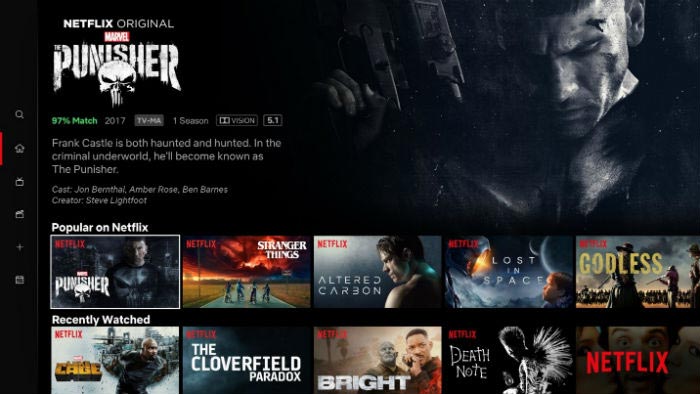
The update will roll out initially to members of the ‘Alpha Skip Ahead’ and Alpha rings, and then gradually make its way to everyone with an Xbox One S and Xbox One X in the near future. At launch, Dolby Vision will work only with Netflix.
- “Quickly following our news-packed Gamescom Inside Xbox show, we have even more news for our Xbox Insiders as Dolby Vision HDR releases today on Xbox! Starting with the Alpha Skip Ahead and Alpha rings, Xbox Insiders with a compatible TV can enjoy Dolby Vision streaming content on Netflix on Xbox One S and Xbox One X,” the company announced.
You should take note of the word “compatible” because apparently the update works only with select TVs, meaning 2017 and 2018 LG TVs as well as TVs from Sony and Funai. Missing from the list are Dolby Vision-capable TVs from Loewe, Hisense, TCL, and Vizio as well as LG’s 2016-generation TVs.
We are not exactly sure what is going on yet but Microsoft says that the TV must “support the latest version of Dolby Vision”. Our guess is that it may be related to Dolby’s “low latency” profile for Dolby Vision that was first introduced with Sony’s TV. It offloads most of the HDR processing to the playback device. We are chasing technical details.
Dolby and Microsoft maintain a list of compatible Xbox + Dolby Vision TVs here.
- “Please also check that your TV has the latest firmware update. If your TV is not listed below, please contact the TV manufacturer with any questions. This page will be updated as more TV manufacturers add Dolby Vision support for Xbox,” Dolby said.

Dolby Vision can be enabled by navigating to:
Settings -> Display and sound -> Video output -> Video modes -> Allow Dolby Vision
As mentioned, Dolby Vision on Xbox One S and One X works only with Netflix at launch. At one point, Microsoft said that support would also be added for UHD Blu-ray but the company later backtracked. No plans for Dolby Vision gaming on Xbox have been announced.
This is an early software release intended for alpha / beta testers so hopefully Microsoft and Dolby will add additional TVs to the list of supported TVs before the public release but this is just the latest chapter in the Dolby Vision mess that also involves raised blacks and general compatibility problems with Sony TVs.
- Source: Microsoft, Dolby